Physical Address
304 North Cardinal St.
Dorchester Center, MA 02124
Physical Address
304 North Cardinal St.
Dorchester Center, MA 02124

The best and the most loved Linux desktop environments for 2025
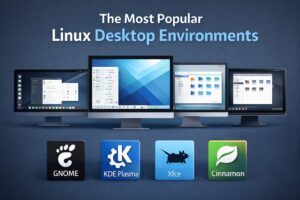
The best part about Linux is the options that we get to customize its look and feel. Based on our personal taste and preference, we can modify or replace the UI completely and make it ours. When people talk about Linux on the desktop they are often talking about something that they can feel and interact with- windows, panels, menus, icons, buttons etc. which is nothing but the Desktop Environment. In this post, I’ll cover some of the most popular DEs that Linux users just love.
The most visually stunning and highly customizable DE, which allows traditional desktop layout by default but also allows extensive customization of both appearance and behaviour. KDE is highly powerful and efficient on modern hardware.
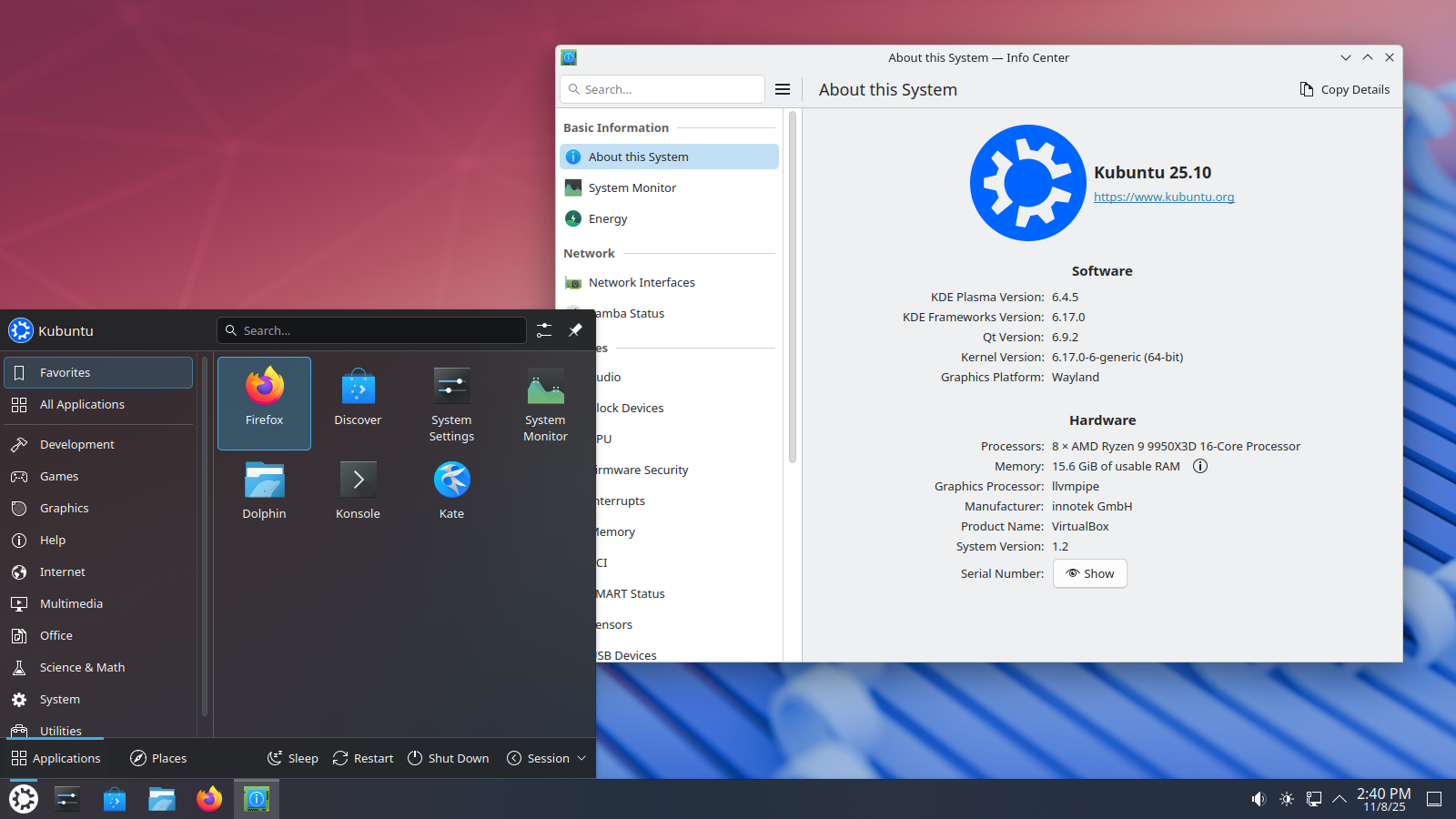
If you are a Windows user and recently switched to Linux, then KDE is my recommendation for you. It looks very similar to the Windows GUI.
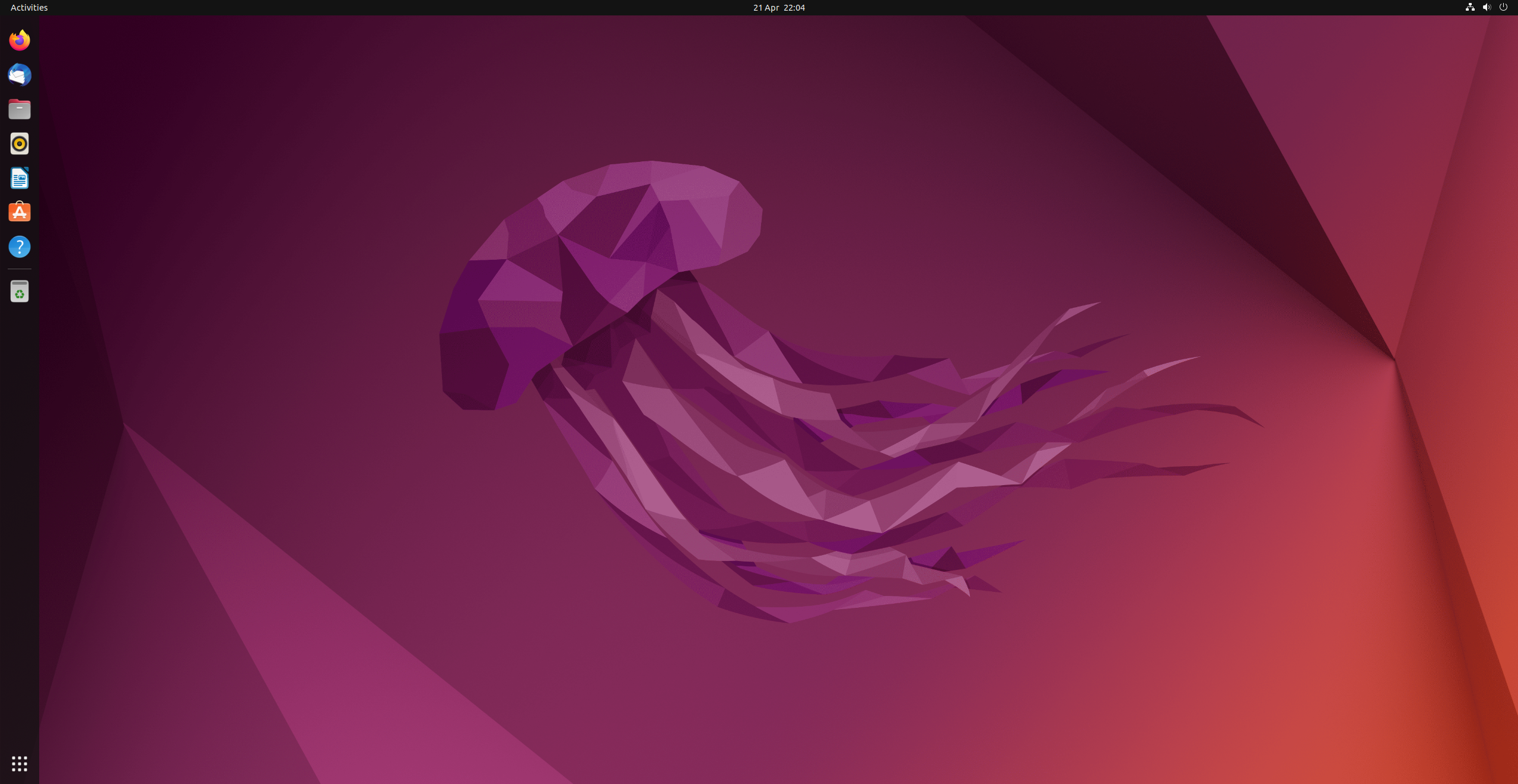
Designed for simplicity and usability, GNOME is the default DE that comes preconfigured/installed with Ubuntu. Although, as mentioned already, you are not bound to it if you’ve installed Ubuntu on your system, because you can change that. The UI is somewhat similar to a Mac, and users who have used or owned a Mac previously will surely find it familiar.
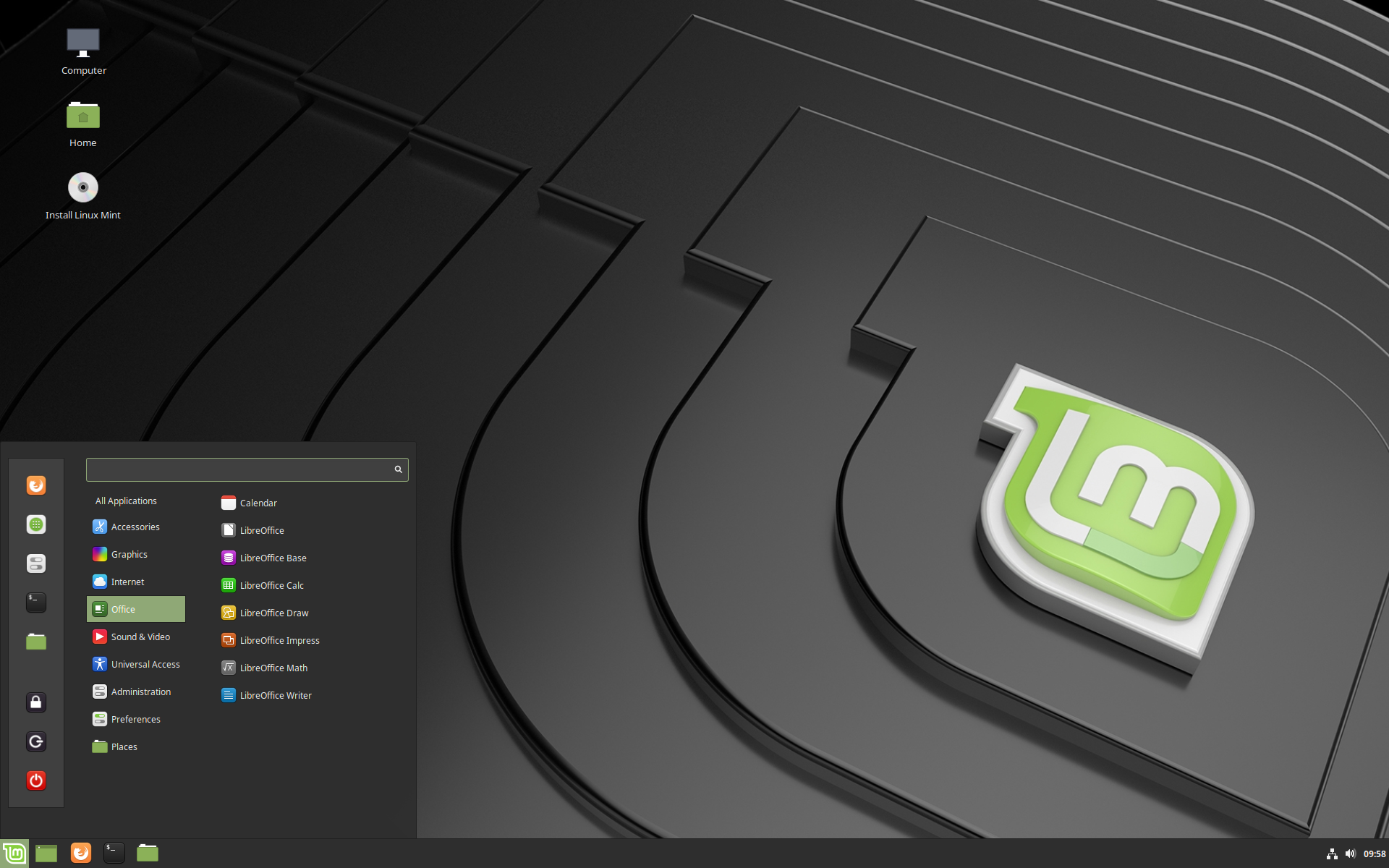
Designed to provide an easy to use GUI to users coming from other operating systems. It provides a traditional desktop experience and follows a classic layout with panel, application menu, system tray and windows list. It mainly focusses on simplicity and usability while still offering a modern look and feel. It’s because of these reasons that it’s quite popular amongst Linux Mint users.
Considered one of the most lightweight and fast desktop environments that can perform quite efficiently on older hardware. XFCE provides strong stability and low resource usage. While on this DE, using top had always produced results that had consistently shown minimal resource usage. Following is a sneak peek into XFCE

Pronounced as Mah-Tay, rhyming with “latte”, is yet another light and fast desktop environment which is very popular among users who are a little inclined towards the GNOME-2. Its main focus is on usability rather than visual effects and thus is a good choice for users who value a proven, no-frills desktop and consistent behaviour across updates.

Like I already said, Linux provides the freedom to the user to choose how their system looks and behaves. While XFCE, KDE, MATE, and Cinnamon follow different design philosophies, but serves a clear purpose and audience. There is also no single best desktop environment, as that highly depends upon your hardware and the workflow that you prefer. I recommend trying each one before you finally choose the one that fits you.